Since 1.13 Tavern has support via the Pytest integration provided by
Allure. To generate a test report, add allure-pytest
to your Pip dependencies and pass the --alluredir=<dir> flag when running Tavern. This will produce
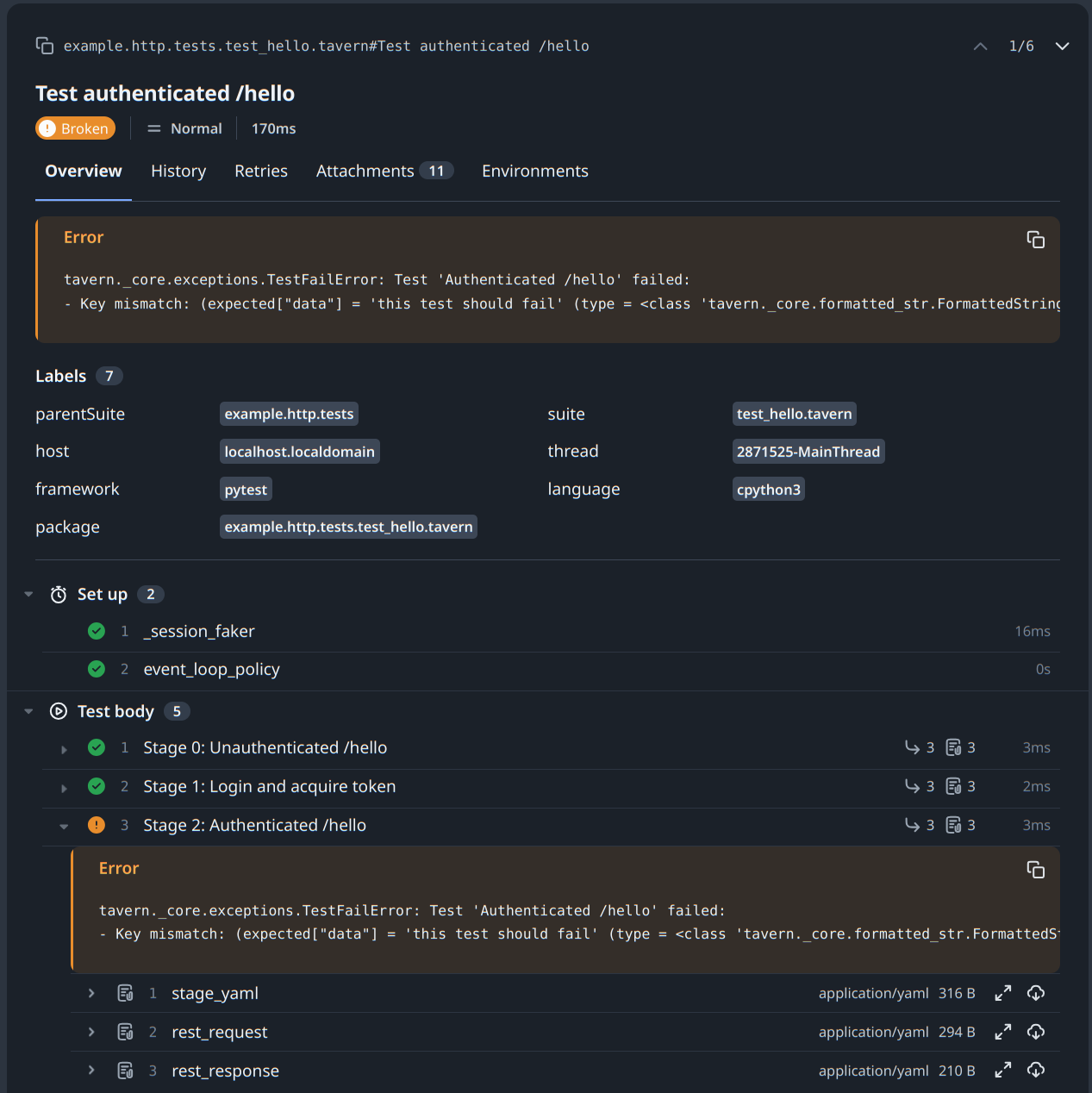
a test report with the stages that were run, the responses, any fixtures used, and any errors.
After that, with allure installed, run allure generate <dir> to generate the HTML report. If you don’t have allure
installed, you can run something like:
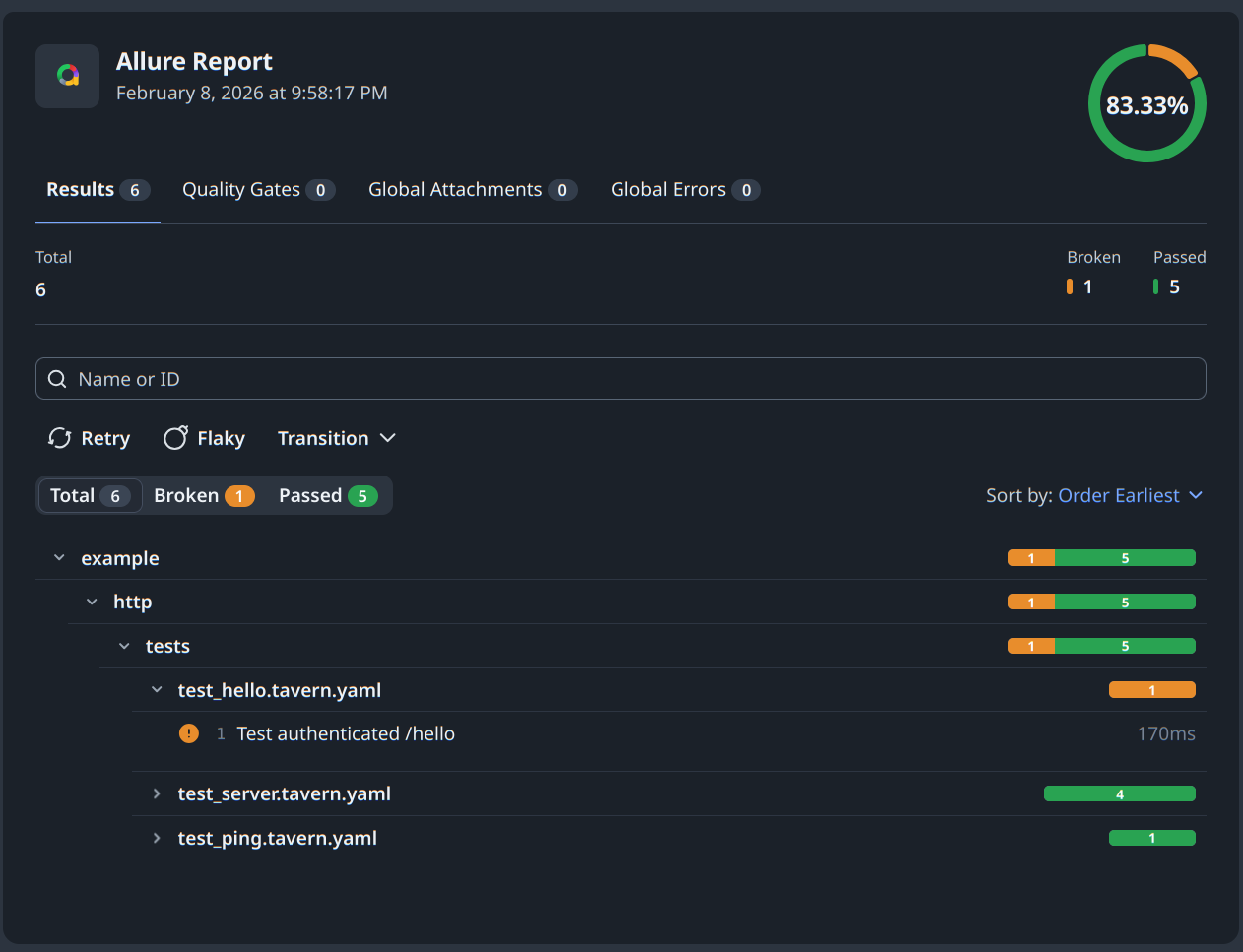
pnpx allure generate <dir>This generates a test report in the allure-report directory. The report will contain all the tests run, and for each,
test, a list of the Pytest fixtures used, and any errors that occurred during the test run:
The YAML definition for the stage, the request that was made, and with the response are included in the report:
See the Allure documentation for more information.